
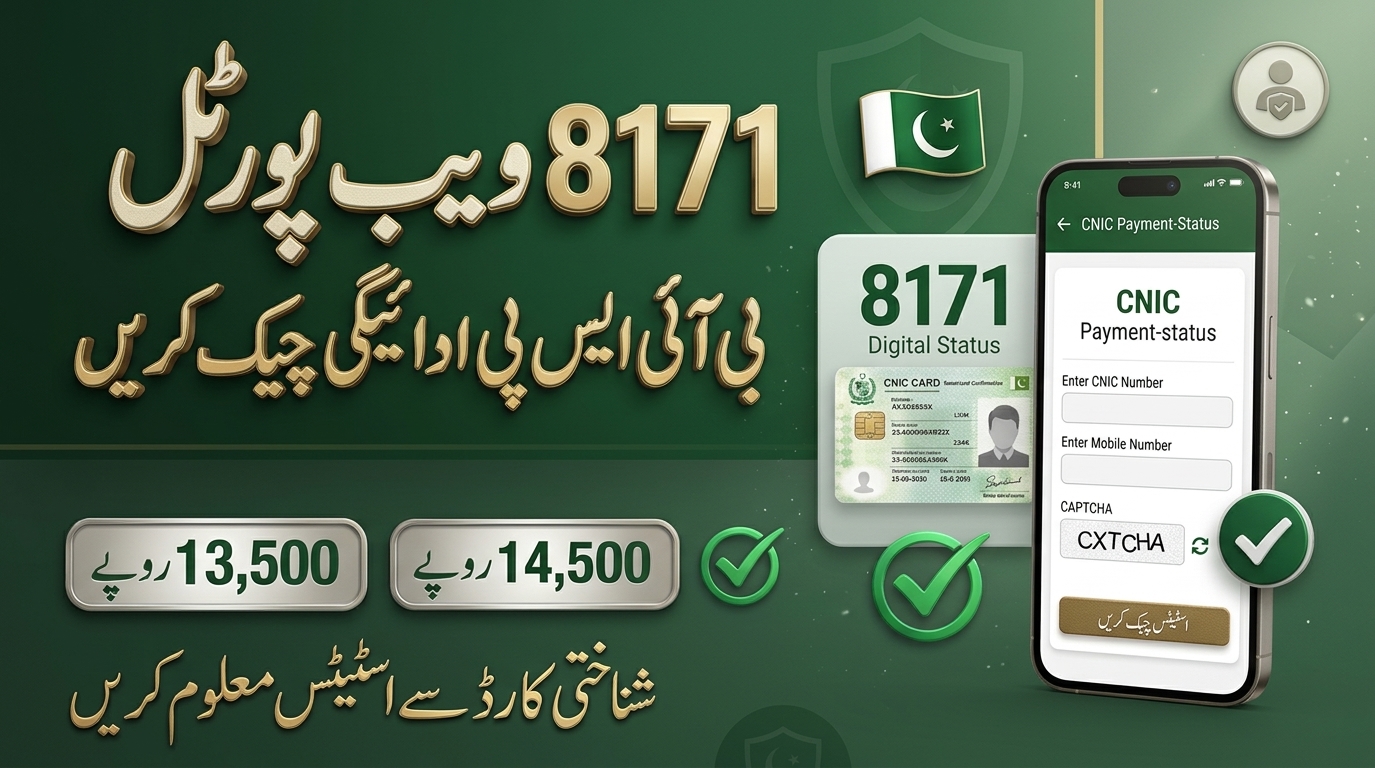
8171 Web Portal Balance Check CNIC 13500 and 14500 October Payment Status
The 8171 Web Portal lets Benazir Income Support Programme (BISP) beneficiaries check their payment status and household information using their 13-digit CNIC. In 2026, many families are searching for the latest BISP Rs13,500 and Rs14,500 payment details, but neither figure is guaranteed for every household. The amount you receive depends on the applicable programme, the payment cycle and your official record.
This guide shows how to check your CNIC status on the official portal, how to read the result, and what to do if your October payment has not arrived.
Check Via Official 8171 Portal
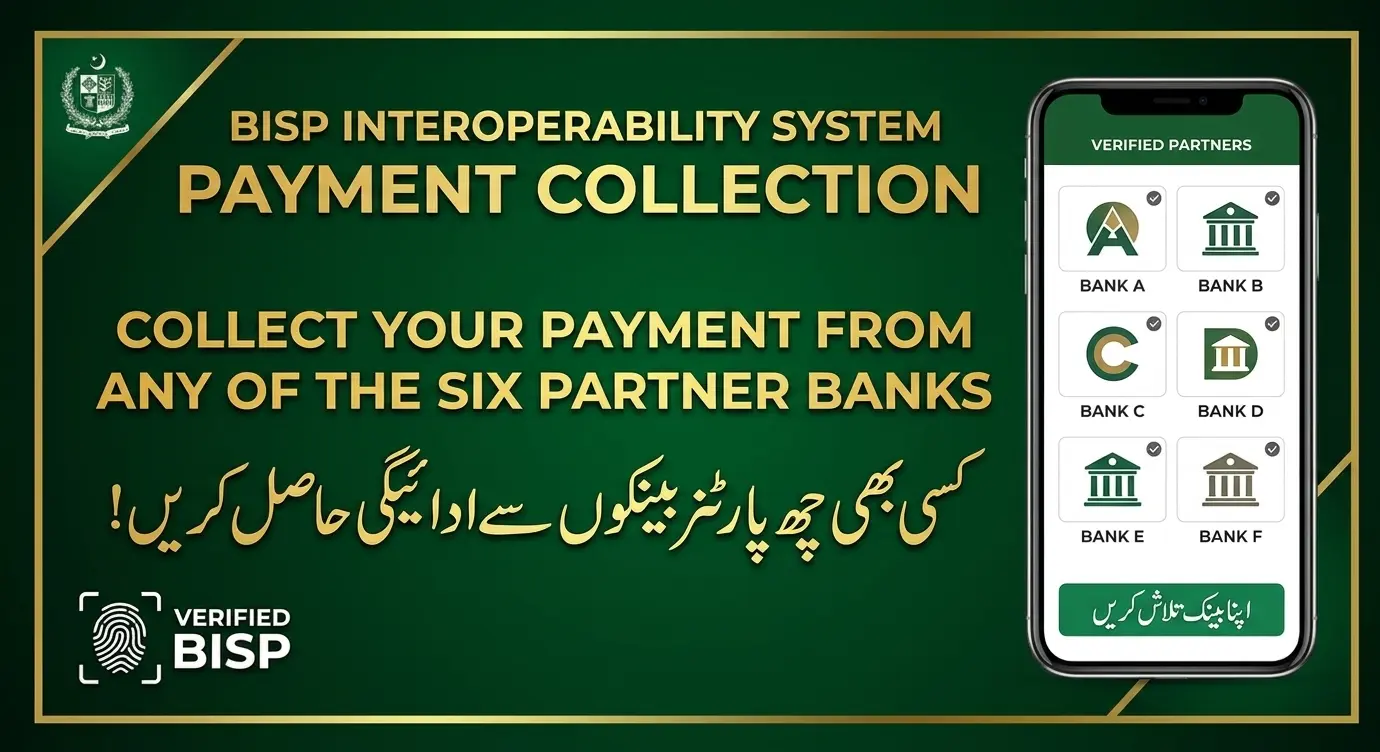
Payment messages and status updates may begin appearing for eligible beneficiaries in phases. Enter your CNIC on the official portal to see your status, eligibility and any available balance. If your new instalment is approved, follow the instructions in your payment notification. Beneficiaries who have not yet received their designated BISP SIM should contact an authorized BISP office to confirm the requirements. Do not assume JazzCash or Easypaisa is available to every beneficiary unless BISP confirms it.
Some reports also say the January–March 2027 instalment could rise to Rs 18,000, as noted in a Daily Pakistan report. Treat any new amount as unconfirmed until your own record shows it on the official portal.
What Is the 8171 Web Portal?
The 8171 Web Portal is the online service linked to BISP that lets beneficiaries check household and payment information against their CNIC. Instead of depending on messages or social media posts, you can read the status the official system holds for your own record.
The portal can show whether your record has information, whether a payment status is displayed, and whether any further action is needed. A status result does not automatically mean cash is ready for collection, so always read the details shown against your record. You can also visit the main BISP website for programme information.
How to Check 8171 Web Portal Balance CNIC in 2026
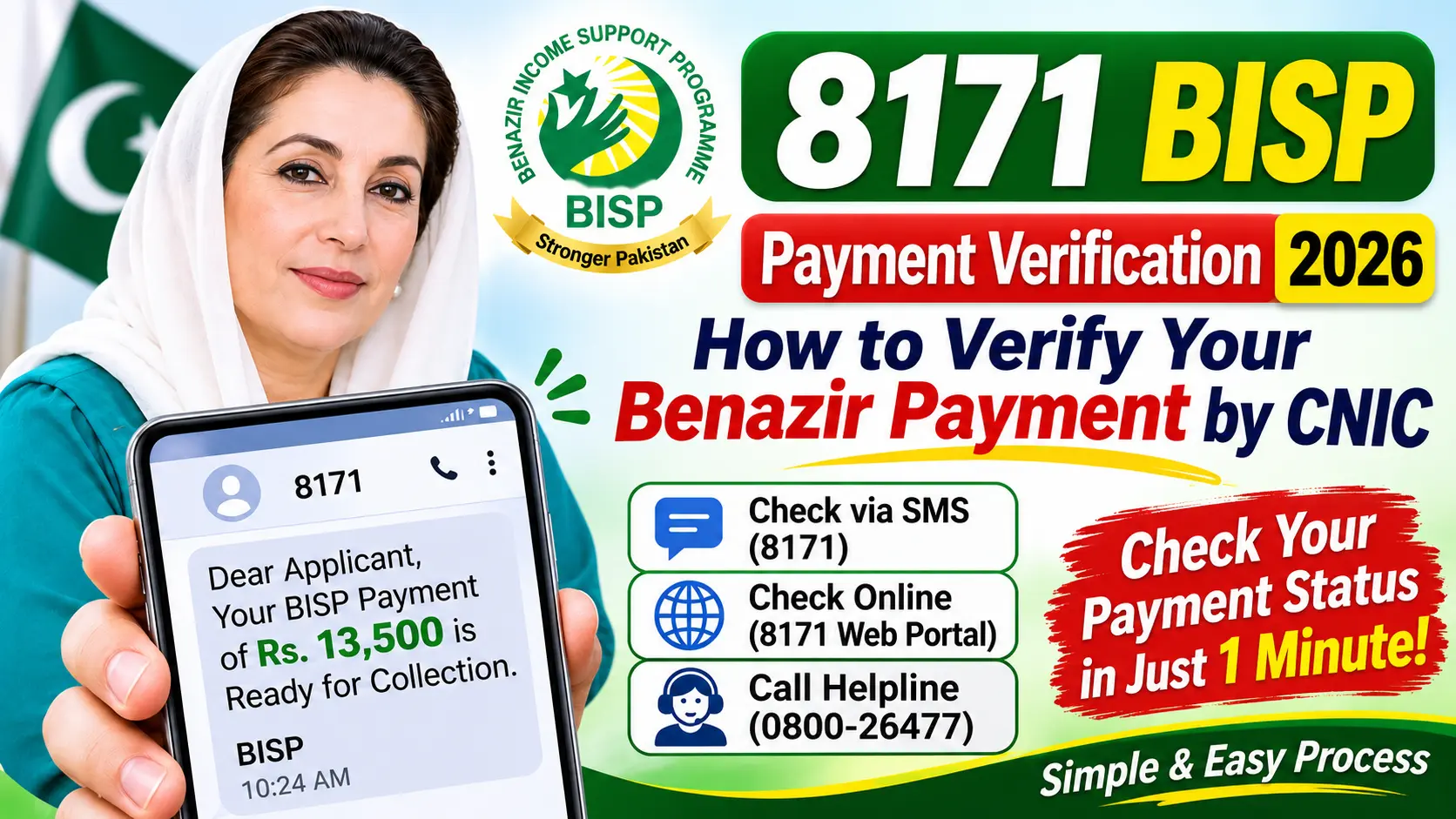
Checking your BISP payment online takes only a minute. You need your 13-digit CNIC and a phone or computer with internet access.
- Open the official 8171 BISP Web Portal.
- Enter your 13-digit CNIC number without dashes or spaces.
- Enter the security code or captcha shown on screen, if requested.
- Submit your information.
- Read the status displayed for your household or beneficiary record.
If payment information is available, check the amount and any instructions shown. If no payment appears, do not assume your eligibility has ended: your payment may still be processing, your record may need an update, or the system may be facing a temporary issue.
BISP 13500 Web Portal Balance Check CNIC
Rs13,500 is one of the payment figures people most often search for when checking BISP assistance. To see whether this amount applies to you, use the official 8171 service and review your current payment status.
Do not assume every beneficiary will receive Rs13,500. Amounts can differ by assistance programme and payment cycle. Before visiting a payment centre, confirm the amount and collection instructions through an official BISP channel to avoid unnecessary travel and confusion.
BISP 14500 Web Portal Balance Check CNIC
Many beneficiaries are also searching for the Rs14,500 BISP payment. To check whether it applies to you, enter your CNIC on the official 8171 Web Portal and review the information shown for your record.
If the portal displays Rs14,500, follow the official instructions for collecting it. If it shows a different amount, rely on the amount and guidance confirmed by the official service rather than an unofficial claim. If you believe the amount is wrong, contact BISP for clarification before accepting any explanation from an unauthorized agent.
Difference Between Rs13,500 and Rs14,500 BISP Payments
A figure quoted in a news article, video or social media post is not proof that the same amount is payable to every household. Use this table as a quick guide.
| Payment Detail | What Beneficiaries Should Know |
|---|---|
| Rs13,500 payment | Check whether this amount applies to your current record. |
| Rs14,500 payment | Verify the amount through the official BISP service. |
| Payment status | Check whether your record shows an available payment. |
| Eligibility status | Follow the instructions provided for your household. |
| Payment collection | Use the authorized payment method or centre. |
The safest approach is to check your own record instead of assuming a particular amount is available to everyone.
How to Check BISP Payment Without Internet
Not everyone has a smartphone, a stable internet connection or the confidence to use an online portal. If you cannot check online, seek help through official BISP communication channels or visit your nearest BISP office.
- Keep your original CNIC with you when asking for help.
- Keep your registered mobile number active so you can receive official messages from 8171.
- Call the BISP helpline 0800-26477 for payment status, eligibility questions or record problems.
- Never pay anyone just to check your status or get information about your payment.
Why Is 8171 Showing No Record?
Sometimes you enter your CNIC and still do not see the expected information. The message should be read in the context of your own beneficiary record. Common reasons include:
- The CNIC number was entered incorrectly.
- The payment cycle has not been processed for your household.
- The household record needs to be updated.
- Eligibility information is under review.
- The portal is temporarily unavailable.
- The information requested is not currently available in the system.
What Should You Do If No Record Appears?
First, re-check your CNIC number carefully and submit it again through the official portal. If the same result continues, contact BISP or visit the relevant office to ask whether your household record needs an update. If your CNIC details themselves are incorrect or expired, you may need to correct them with NADRA first.
Do not pay anyone who promises guaranteed approval or instant payment. Rely only on official instructions when dealing with your beneficiary record.
8171 Shows Payment Released but Money Has Not Arrived
Sometimes the system shows payment information but the money has not reached you. If this happens:
- Check the payment status again and read any instructions shown.
- Confirm the authorized payment method and collection location.
- Keep your original CNIC ready when you visit the designated payment point.
- Ask the authorized payment provider to clarify the issue.
- Contact BISP if the payment is still unavailable or the information looks wrong.
A “payment released” message does not mean you can collect cash from any shop or agent. Wait for proper collection instructions and use an authorized channel only. Note that BISP messages come only from 8171, and beneficiaries are advised not to visit payment centres until they receive one.
How to Report a BISP Payment Deduction
Beneficiaries should receive the amount shown in their payment record. If someone deducts money improperly, report it instead of accepting an unexplained reduction.
- Keep receipts, transaction details or any other proof of what happened.
- Contact BISP through its official complaint channels, explaining the amount shown in your record and the amount you actually received.
- Ask for clarification if there is a biometric verification problem or the payment provider refuses to complete the transaction.
- Never share your ATM PIN, one-time password (OTP) or other confidential banking information with an unauthorized person.
How to Keep Your BISP Record Safe
Protecting your personal information matters whenever you check government assistance. Follow these precautions:
- Use the official 8171 service rather than unfamiliar websites.
- Enter your CNIC only when necessary for an official service.
- Do not share your OTP, PIN or banking password with anyone.
- Avoid people who demand money to guarantee BISP approval.
- Check payment claims against official information.
- Report suspicious deductions or requests for unauthorized fees.
Frequently Asked Questions About the 8171 Web Portal
How can I check my 8171 payment by CNIC?
Open the official 8171 Web Portal, enter your 13-digit CNIC, complete the security verification if requested, and submit. Review the status displayed for your record.
How can I check my BISP Rs13,500 payment?
Use the official 8171 service to check your CNIC and review the payment information for your household. Do not assume the amount applies to every beneficiary.
How can I check my BISP Rs14,500 payment?
Enter your CNIC on the official 8171 Web Portal and review your current payment status. Follow the official instructions if the amount appears against your record.
Is the Rs13,500 or Rs14,500 payment guaranteed for everyone?
No. An amount mentioned in a post or video does not guarantee every beneficiary will receive it. Confirm your applicable amount through official BISP information.
What should I do if 8171 shows no payment?
Check your CNIC for errors and try again. If no payment information appears, contact BISP to find out whether your record needs an update or your payment is still being processed.
Can I check my BISP payment without internet?
Yes. You can seek help through official BISP communication channels, call 0800-26477, or visit the relevant BISP office.
What should I do if my BISP payment is deducted?
Keep your receipt or transaction details and report the issue through official BISP complaint channels. Ask for clarification if the amount you received differs from your payment record.
What is the BISP helpline number?
The BISP helpline for beneficiary assistance is 0800-26477. If you have trouble reaching it, confirm current contact details through official BISP information.
Final Words
The 8171 Web Portal is a convenient way for BISP beneficiaries to check CNIC-related status and review available payment information. Whether you are checking for Rs13,500, Rs14,500 or another amount, always verify the details against your own beneficiary record.
If your payment is missing, your record shows no information, or you suspect a deduction, seek help through official BISP channels. Most importantly, do not rely on unverified payment announcements or pay unauthorized agents to check your status. For more updates, visit New Pakistan Jobs.



1 thought on “8171 Web Portal Balance Check CNIC: 13500 & 14500 Payment Status”