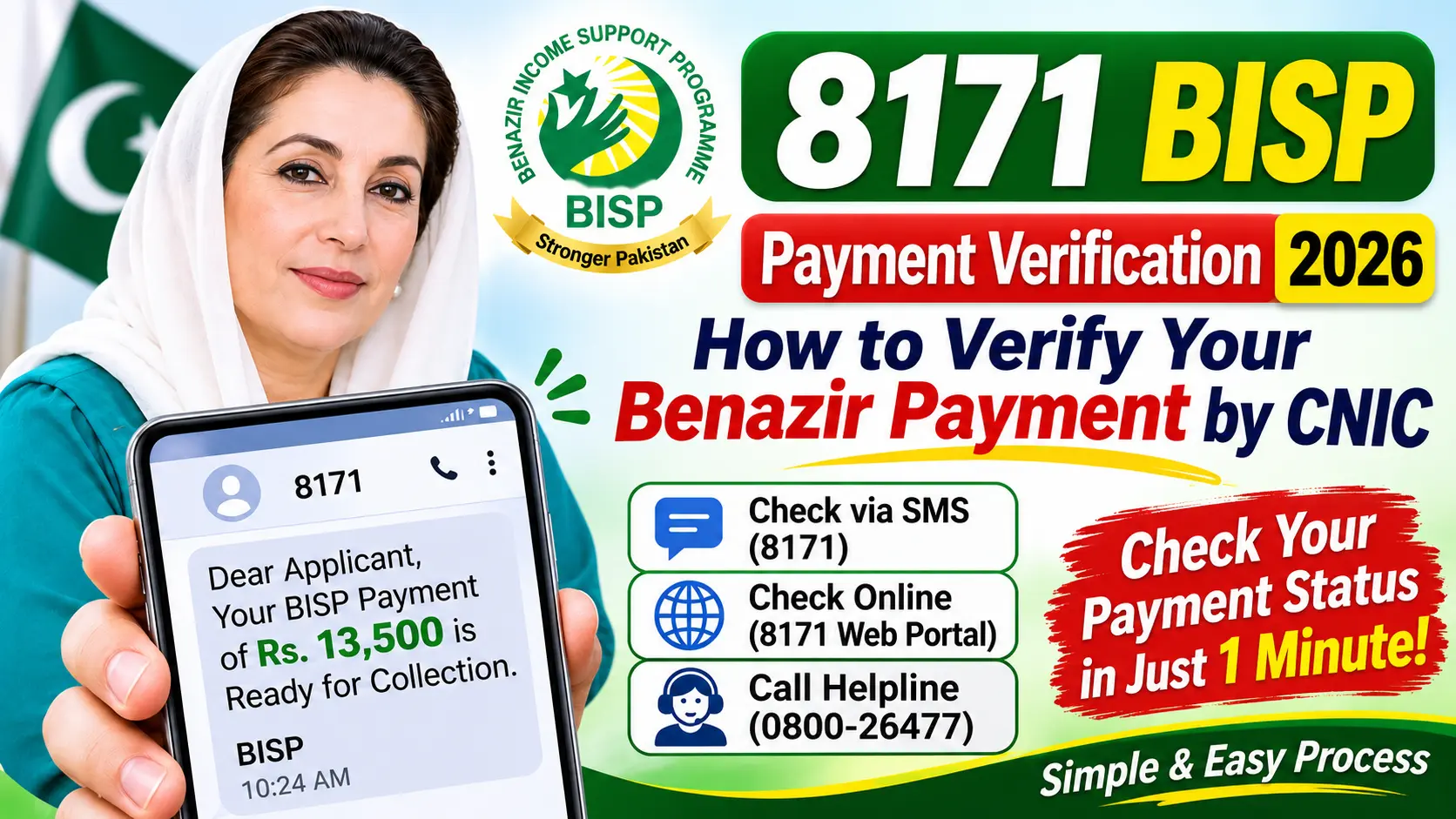
A BISP registration check by CNIC is the fastest way to find out whether your household is in the Benazir Income Support Programme system, whether you qualify, and what you should do next. You only need your 13-digit CNIC number and a phone or computer. There is no fee, no account and no password, and you never need an agent.
This guide explains every official method (the 8171 web portal, 8171 SMS and the BISP tehsil office), what each result message means, how the PMT score and NSER survey decide your status, what to do if no record is found, and how to avoid the fake agents and fake websites that target BISP applicants.
Table of Contents
Quick Answer: How to Do a BISP Registration Check by CNIC
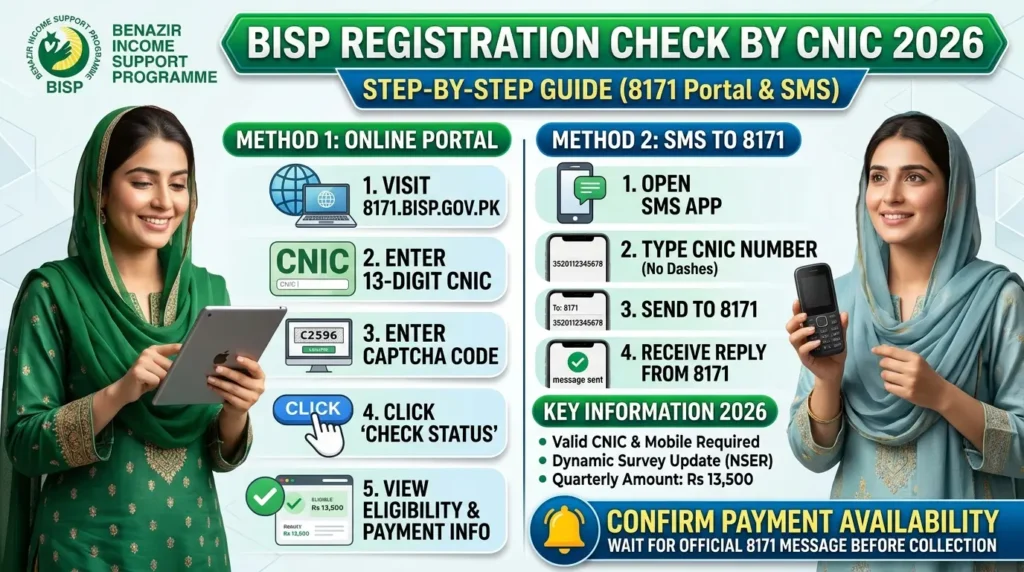
- Open the official 8171 web portal or open your SMS app.
- Enter or type your 13-digit CNIC without dashes or spaces.
- On the portal, type the captcha code shown on screen and press the check button. By SMS, send the CNIC to 8171.
- Read the result carefully and follow the instruction it gives.
That is the whole process. The rest of this article helps you understand what you see and what to do about it.
What Does a BISP Registration Check Actually Tell You?
People use the phrase “registration check” for several different things, so it helps to separate them. When you enter your CNIC, the system looks for your household in BISP’s records and returns a status linked to your eligibility. Depending on your situation, that status may show that you are eligible, that you are not currently eligible, that a survey is required, or that no record was found.
Registration vs Eligibility vs Payment Status
| What you want to know | What it means | Where to check |
| Registration | Your household has been surveyed and appears in the BISP registry | 8171 portal, 8171 SMS |
| Eligibility | Your household’s poverty score falls within the programme’s cut-off | 8171 portal, 8171 SMS |
| Payment status | Whether an instalment is ready or processing for you | 8171 portal, then your wallet SMS |
| Wallet status | Whether your Benazir SIM and digital wallet are active | Your mobile wallet or the BISP office |
If your main concern is the money rather than the registration, read our separate guides on 8171 web portal balance check by CNIC and the BISP 8171 Qist for October–December 2026.
What You Need Before You Start
Keep this short checklist ready so the check takes less than two minutes:
- Your 13-digit CNIC number. BISP generally registers the woman of the household as the beneficiary, so use the CNIC of the woman who was surveyed. If you are unsure whose CNIC was used, try the head woman of the household first.
- A phone with signal (for SMS) or any device with internet (for the portal).
- A working CNIC. An expired or blocked CNIC can cause errors. You can check renewal services on the official NADRA website.
- A pen and paper, or a screenshot, to save the exact wording of the result.
Method 1: BISP Registration Check by CNIC on the 8171 Web Portal
The web portal is the most convenient option when you have internet, because the result stays on your screen and you can take a screenshot to show a BISP officer later.
Step-by-Step: Using the 8171 Web Portal
- Open the official portal at 8171.bisp.gov.pk in your phone or computer browser.
- Type your 13-digit CNIC in the CNIC field, with no dashes and no spaces.
- Enter the captcha code exactly as it appears in the image. Tap the refresh icon if the image is unclear.
- Press the check button (معلوم کریں) to submit.
- Read the result and take a screenshot.
The portal does not ask for a password, an account or any payment. If a page asks for money, your mobile PIN, an OTP or a bank account number, you are not on the official service.
Tips to Avoid Errors on the Portal
- Always type the web address yourself, or tap the link on the official BISP website. Do not trust sponsored results or links forwarded on WhatsApp.
- Check the address bar: it should read 8171.bisp.gov.pk, a subdomain of the government’s bisp.gov.pk site.
- If the captcha is rejected, refresh it and try again instead of retyping the CNIC repeatedly.
- Avoid apps or websites that claim to be an “8171 checker” and ask you to install software. Use the browser.
Method 2: BISP Registration Check by CNIC Through 8171 SMS
The SMS method is ideal for families without internet access or in areas with weak data coverage.
How to Check by SMS
- Open the messaging app on your phone.
- Write a new message and type only your 13-digit CNIC, with no dashes, spaces or extra words.
- Send it to 8171.
- Wait for the reply. It usually arrives within a short time.
- Save or screenshot the reply.
Important SMS Notes
- Send the message from your own mobile and keep some balance in case a network charge applies. Confirm any charge with your network provider.
- If you receive no reply, wait a while and try again, or use the web portal instead.
- Never send your CNIC to any other number that claims to offer “faster approval” or a “special registration.” Only 8171 is the official check number.
Method 3: Check at a BISP Tehsil Office or Through the Helpline
If both online methods fail, or if you need to correct information, the tehsil office is your final stop. According to a report by APP, more than 647 tehsil-level BISP offices have been established across the country, and mobile registration vans are being deployed to reach remote areas, particularly in Balochistan and Khyber Pakhtunkhwa.
Take your original CNIC and a copy of your 8171 result or screenshot. You can also call the BISP helpline, 0800-26477, which is widely published for BISP. Confirm the number on the official BISP website before relying on it.
Which Method Is Best? A Quick Comparison
| Method | You need | Best for | Limitation |
| 8171 web portal | CNIC and internet | A visible, saveable result | Needs internet and captcha |
| 8171 SMS | CNIC and any mobile | Areas without internet | Reply wording is short |
| Tehsil office | Original CNIC | Surveys, corrections and complaints | Needs travel and waiting time |
| Helpline 0800-26477 | A phone | Locating your office and basic guidance | Cannot replace an in-person survey |
Understanding Your Result After a BISP Registration Check by CNIC
The exact words on the portal or in the SMS can differ and BISP can update them, so always follow the instruction written in your own result. In general, results fall into the groups below.
Result 1: Eligible or Registered
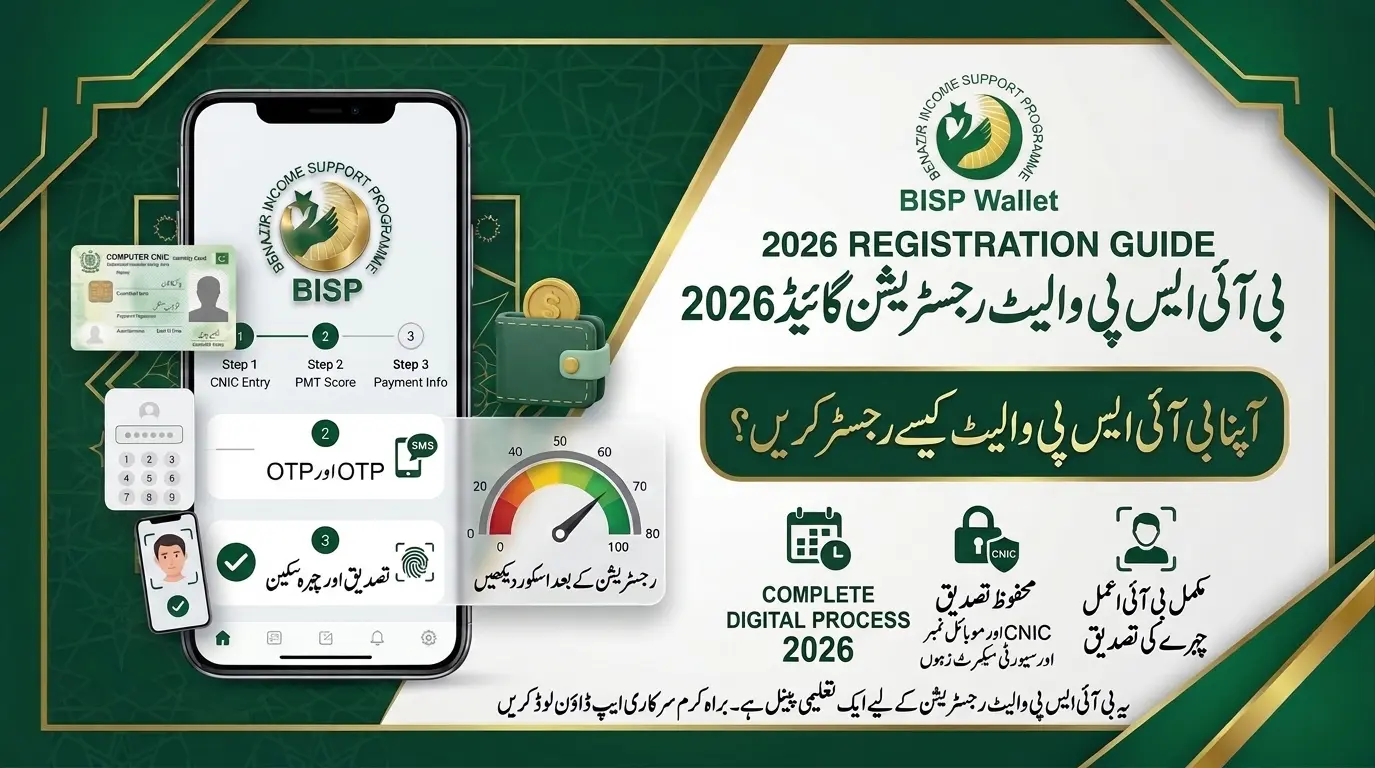
Your household has been surveyed and falls within the programme’s limit. Keep your CNIC and registered mobile safe, make sure your Benazir SIM and wallet are in order, and wait for your payment phase. Read our guide on how to register a BISP wallet in 2026 for the next step.
Result 2: Not Eligible
This usually means your household has a record, but its poverty score is above the cut-off. It does not mean you did something wrong, and it is not necessarily permanent. If your living conditions have worsened since the survey (for example, loss of an earning member or a major drop in income), ask the tehsil office about a dynamic survey update.
Result 3: Survey Required or No Record Found
This means your CNIC is not yet in the BISP registry, or your information needs to be refreshed. The next step is a household survey at a BISP tehsil office. See “How to Register for BISP If No Record Is Found” below.
Result 4: Under Verification or Processing
Your record is being checked, often against NADRA data. Wait a few days, check again, and visit the office only if the status does not change or the result asks for verification.
Result 5: Wallet Inactive or Payment Not Ready
If your record is fine but you cannot receive money, the issue is often the Benazir SIM or digital wallet. Our guide on 8171 status wallet inactive and how to solve it walks through the fixes.
How BISP Decides Who Is Registered: NSER, PMT Score and Dynamic Registry
Understanding the system helps you make sense of your CNIC result and avoid wasting time or money on agents.
What Is the NSER Survey?
The National Socio-Economic Registry (NSER) is the household database BISP uses to identify who needs support. A household is added through a survey and not through a letter or a self-applied form. BISP describes how the registry works on its official NSER page, including registration centres at tehsil level that it plans to keep as a permanent feature of the dynamic registry.
What Is the PMT Score and the Cut-Off?
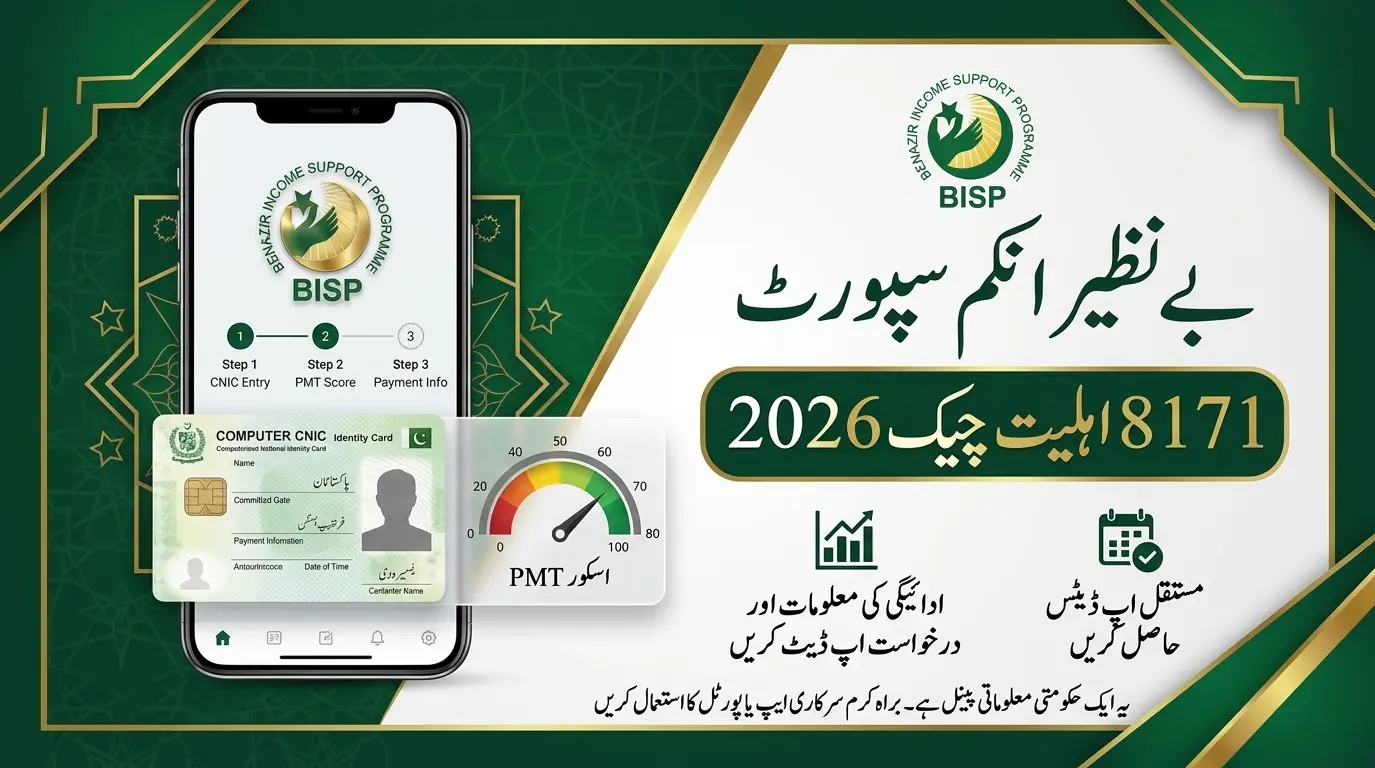
Every surveyed household receives a Proxy Means Test (PMT) score, a statistical estimate of poverty based on living conditions rather than declared income. BISP’s official Benazir Kafaalat eligibility page states that the cut-off of 32 was approved by the BISP Board in September 2021, and that for families with a differently abled member the cut-off is 37. Cut-offs can be revised, so always confirm the current figure with BISP. For a closer look, read our 8171 PMT score check guide.
You cannot lower your PMT score yourself, and no agent can do it for you. It only changes through a fresh survey that records your household’s current situation.
What Is the Dynamic Registry?
BISP now uses a dynamic registry, which means registration and updates are not limited to a single survey campaign. Existing beneficiaries can update their information at the dynamic survey desk in BISP tehsil offices, as described in BISP’s own news release. This is why a household that was ineligible years ago may qualify after an update.
How to Register for BISP If No Record Is Found
If your registration check shows no record or asks for a survey, follow this route:
- Check once more on the 8171 portal to rule out a typing mistake in your CNIC.
- Locate your nearest BISP tehsil office through the official BISP website or the helpline.
- Take your original CNIC and any family documents the office asks for, such as CNICs or B-forms of household members and an active mobile number. Requirements can vary, so ask the staff what they need.
- Give accurate answers to the surveyor. Wrong information can distort your PMT score.
- Wait for the result, then check your CNIC on 8171 again after some time.
Official BISP material states that the survey is conducted at Benazir Registration Centres at BISP tehsil offices. Registration is free of charge.
Can You Register for BISP Online?
Many websites promise “BISP online registration,” but the honest answer is that the 8171 portal is a status checking service, and the household survey is what actually registers you. An online form cannot replace the survey. So treat any website that offers to register you for a fee, or to “approve” your application, as a warning sign.
If you want a fuller explanation of who qualifies, read our detailed BISP eligibility check 2026 guide.
BISP Registration Check vs Payment Check vs Balance Check
These three searches are related but different:
- Registration check: confirms whether your CNIC and household are in the BISP system.
- Eligibility check: confirms whether your poverty score qualifies you for support.
- Payment or balance check: shows whether an instalment is available for you. The public 8171 service gives status information, and your wallet provider or the official SMS confirms the deposit.
Start with the registration check. If it is clear, move to the payment check using our BISP payment status guide.
After Registration: Benazir SIM, Digital Wallet and Payment
BISP has been moving Kafaalat payments to digital wallets that are activated through a free Benazir SIM issued against the beneficiary’s CNIC. According to a BISP announcement, upcoming instalments were to be paid through digital wallets. Collect the SIM from your nearest BISP office, and do not pay anyone for it.
How Much Is the Quarterly Payment?
The quarterly Benazir Kafaalat amount is Rs 14,500 per eligible household, following the increase from Rs 13,500 stated in BISP’s press release and covered by the Express Tribune. Dates are phase-wise, so a neighbour may be paid before you. Read our October–December 2026 qist update for the latest.
Where Can You Collect Your Payment?
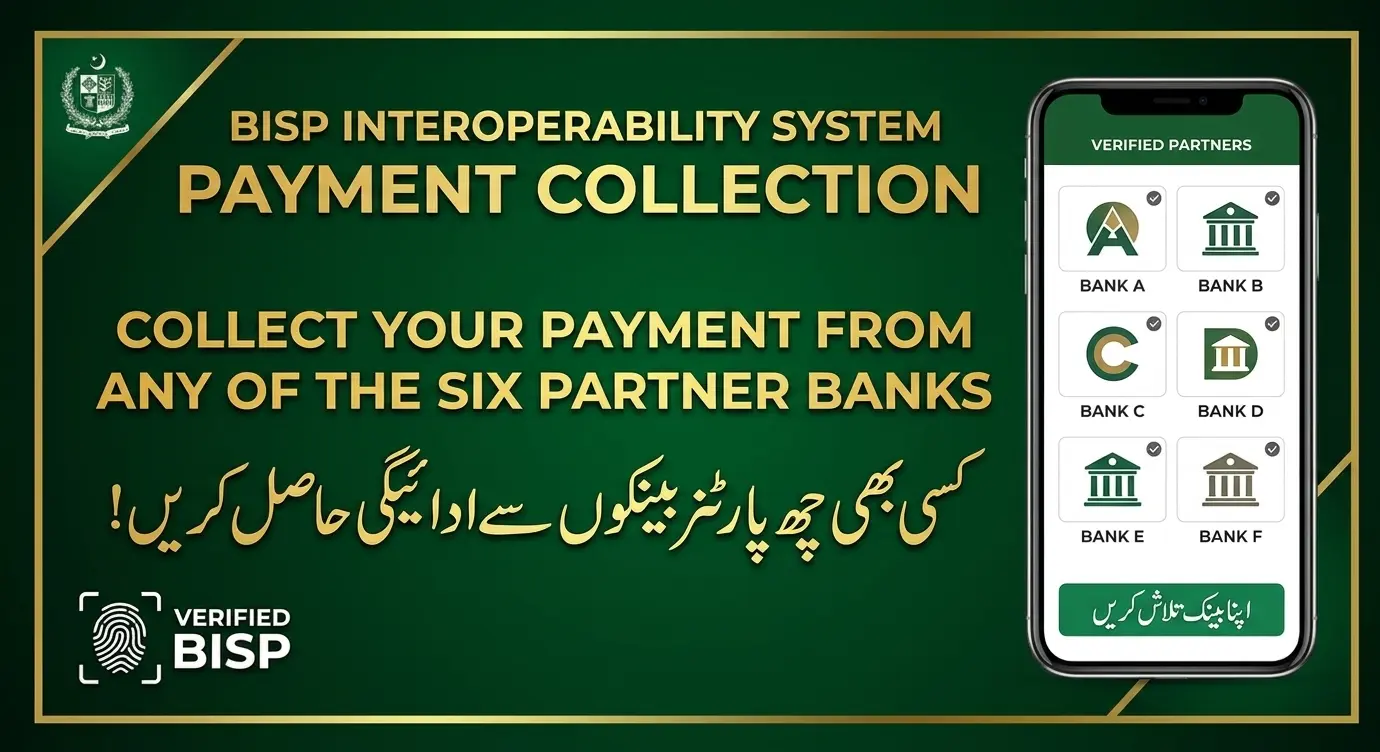
Your payment method depends on the channel assigned to your household. Our guides on the BISP interoperability system and BISP JazzCash payments explain the partner options. Use only the channel named in your official SMS or by the BISP office.
Common Problems and How to Fix Them
| Problem | Likely cause | What to do |
| Portal not opening | Heavy traffic or a network issue | Try later, use another browser, or send an SMS |
| Captcha keeps failing | Typing error or an old image | Refresh the captcha and retype carefully |
| No SMS reply | Network delay or a wrong format | Resend with only the 13 digits, then try the portal |
| “No record” result | Not yet surveyed, or wrong CNIC | Re-check the number, then visit a tehsil office |
| “Not eligible” result | PMT score above the cut-off | Ask about a dynamic survey if your situation changed |
| Result is different from a neighbour’s | Each household is scored separately | Rely only on your own CNIC result |
What If Your CNIC Is Expired or Has Errors?
BISP verifies identity against NADRA records, so an expired CNIC, a mismatched name or a wrong date of birth can cause verification problems. Renew or correct it through NADRA first, then ask your BISP office to update your record.
What If the Wrong CNIC Was Used in the Survey?
If the surveyed woman’s CNIC is different from the one you tried, ask other adult women in the household to check theirs. If the record is still not found, visit the tehsil office with all family CNICs.
How to Avoid BISP Registration Scams
Because BISP involves cash, scammers copy its name. Protect yourself with these rules:
- Never pay for registration, a form, an SIM, a wallet or “approval.” Registration is free.
- Never share your PIN, OTP or wallet password with anyone, including someone claiming to be from BISP.
- Never hand your phone to an agent or shopkeeper to “complete the process.”
- Beware of fake websites and apps that mimic 8171. Use only the official addresses from bisp.gov.pk.
- Ignore forwarded messages that promise a bigger payment, a new qist or instant eligibility.
- Report fraud to a BISP tehsil office or an official helpline.
If you want to verify other government relief offers safely, see our guide to the PM Fuel Relief CNIC check and the ACAG application status check.
Pro Tips: Keep Your BISP Record Healthy
- Check your CNIC every few months, because your status can change after a survey or an update.
- Update your details after major life events such as a marriage, the death of an earning member, a new baby or a move.
- Keep your mobile number active and linked to your Benazir SIM.
- Save screenshots of your results. They help if you need to file a complaint.
- Budget your quarterly payment. A plan helps it last. Try our free monthly salary budget planner.
More Helpful Guides on New Pakistan Jobs
- BISP Eligibility Check 2026: Who Is Eligible and How to Register
- 8171 PMT Score Check 2026 by CNIC
- How to Register a BISP Wallet in 2026
- 8171 Status Wallet Inactive: How to Solve This Problem
- BISP Interoperability System: Collect Payment From Six Partner Banks
- All government schemes and relief programmes
- Today’s government jobs in Pakistan
Frequently Asked Questions (FAQs)
How do I do a BISP registration check by CNIC?
Open the official 8171 web portal, enter your 13-digit CNIC without dashes, complete the captcha and submit. You can also send your CNIC by SMS to 8171.
Is the BISP registration check free?
Yes. The 8171 portal and the SMS check are free of charge in terms of BISP fees, and BISP registration itself is free. Do not pay any agent. Your mobile network may apply its own standard SMS rate, so confirm with your provider.
Can I check BISP registration online without going to the office?
Yes, you can check your status online or by SMS. However, if no record is found, you will need to visit a BISP tehsil office for the household survey.
Which CNIC should I enter, mine or my husband’s?
BISP generally registers the woman of the household, so try the CNIC of the surveyed woman. If the result is not found, try other adult women in the household.
What does “not eligible” mean in the BISP check?
It generally means your household is in the registry but the PMT score is above the cut-off at the time of the survey. If your circumstances have changed, you can ask for a dynamic survey update.
What is the PMT cut-off score for BISP?
BISP’s official Kafaalat eligibility page states a cut-off of 32, and 37 for families with a differently abled member. Confirm the current figure with BISP, since it can be revised.
What should I do if no record is found?
Re-check your CNIC number, then visit your nearest BISP tehsil office with your original CNIC to complete the NSER survey.
Can I register for BISP online by filling a form?
No. The 8171 portal is for status checking. Registration depends on a household survey conducted at BISP registration centres.
Why did my neighbour get paid and I did not?
Payments are released in phases, and each household has its own record and status. Check your own CNIC instead of relying on rumours.
How much is the current BISP quarterly payment?
The Benazir Kafaalat quarterly stipend is Rs 14,500 per eligible household, according to BISP’s announced increase from Rs 13,500. Confirm dates and any later changes through official channels.
What is the BISP helpline number?
The commonly published BISP helpline is 0800-26477. Please verify it on the official BISP website before use.
Is my CNIC safe to enter on the 8171 portal?
It is safe on the official 8171.bisp.gov.pk address. Never enter it on look-alike websites, unknown apps or pages that ask for money or OTP codes.
Final Words
A BISP registration check by CNIC takes about two minutes and gives you clarity before you spend time or money on travel or agents. Use the official 8171 portal or the 8171 SMS service, read the result carefully, and follow the instruction it gives. If no record is found, go to your nearest BISP tehsil office with your original CNIC for a survey. Make sure your Benazir SIM and wallet are ready, keep your PIN private, and never pay anyone for registration or approval.
Bookmark this page and the government schemes section of New Pakistan Jobs for fresh updates on BISP, payment phases and other relief programmes.
Disclaimer: New Pakistan Jobs is an independent information website and is not the official BISP website. Eligibility rules, cut-offs, payment amounts, dates and helpline numbers can change, so please confirm them through official BISP channels before acting. This article is for general guidance and is not an official notice.