

BISP 8171 Biometric Verification Problem: Are you trying to collect your Benazir Income Support Programme (BISP) payment, but the thumb or fingerprint scan keeps failing? You are not alone, and it does not mean your eligibility has ended. There is now an official fix for women whose fingerprints can’t be read: facial verification through NADRA. BISP’s Chairperson advised beneficiaries with thumb-verification problems to visit NADRA offices for facial verification, according to a BISP announcement. TechJuice reported that once the NADRA facial verification certificate is submitted at a BISP office, affected beneficiaries can receive their payments without further biometric complications.
This guide explains why verification fails, the steps to fix it, what to do about technical problems and how to avoid scams.
اگر بی آئی ایس پی کی ادائیگی کے دوران انگوٹھے یا فنگر پرنٹ کی تصدیق ناکام ہو رہی ہے تو اس کا مطلب یہ نہیں کہ آپ کی اہلیت ختم ہو گئی ہے۔ بی آئی ایس پی کی چیئرپرسن کے مطابق انگوٹھے کی تصدیق کے مسئلے کی صورت میں نادرا دفتر جا کر فیشل ویریفکیشن کروائیں اور سرٹیفکیٹ بی آئی ایس پی دفتر میں جمع کروائیں۔ کسی ایجنٹ کو پیسے نہ دیں اور اپنا پن یا او ٹی پی کسی کو نہ بتائیں۔
Table of Contents
What Is BISP 8171 Biometric Verification?
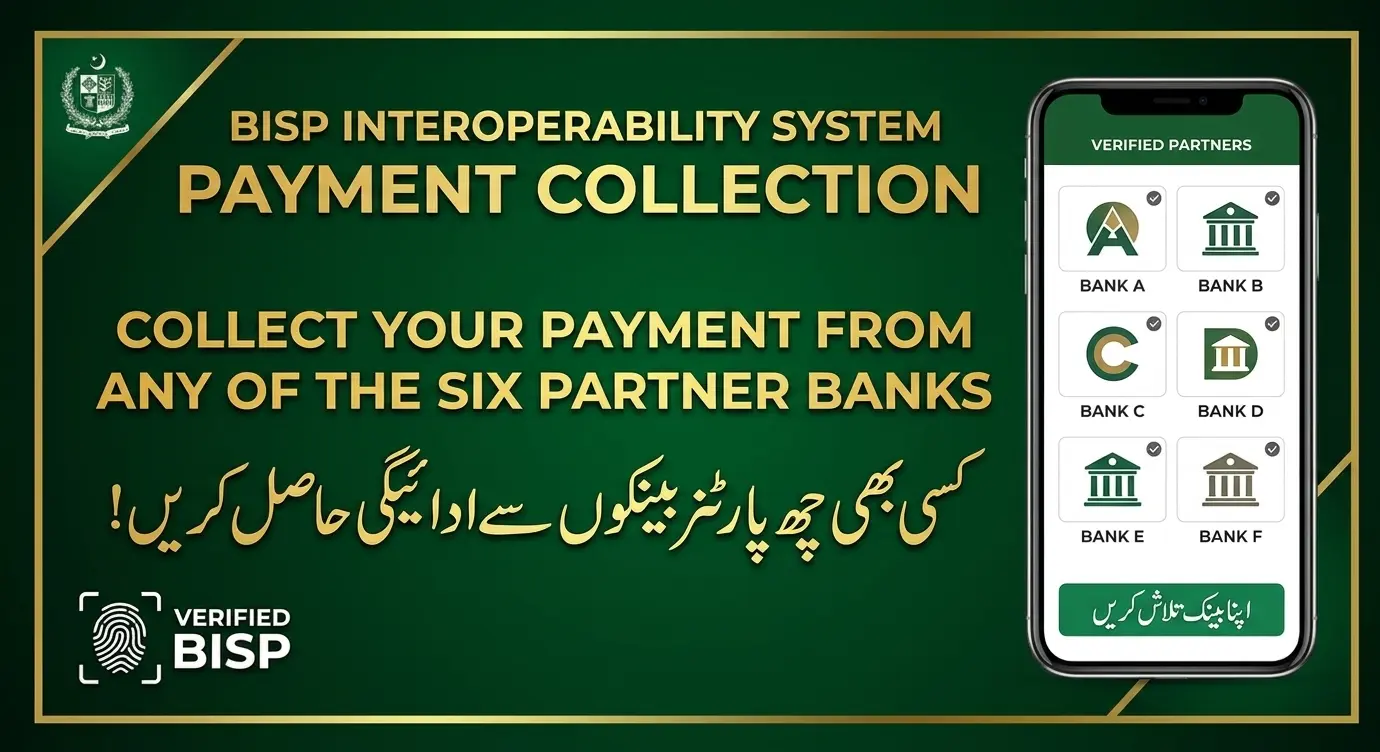
Biometric verification checks your fingerprint against NADRA records to confirm that the person collecting the payment is the registered beneficiary. It helps prevent fraud, but it can fail when a fingerprint is faint or worn. Payments are now being moved to digital wallets, and BISP says upcoming instalments will go only through digital wallets, so identity checks at the retailer are an important part of the process. Read more in our guide to the government schemes we cover.
Why Does BISP 8171 Fingerprint Verification Fail?
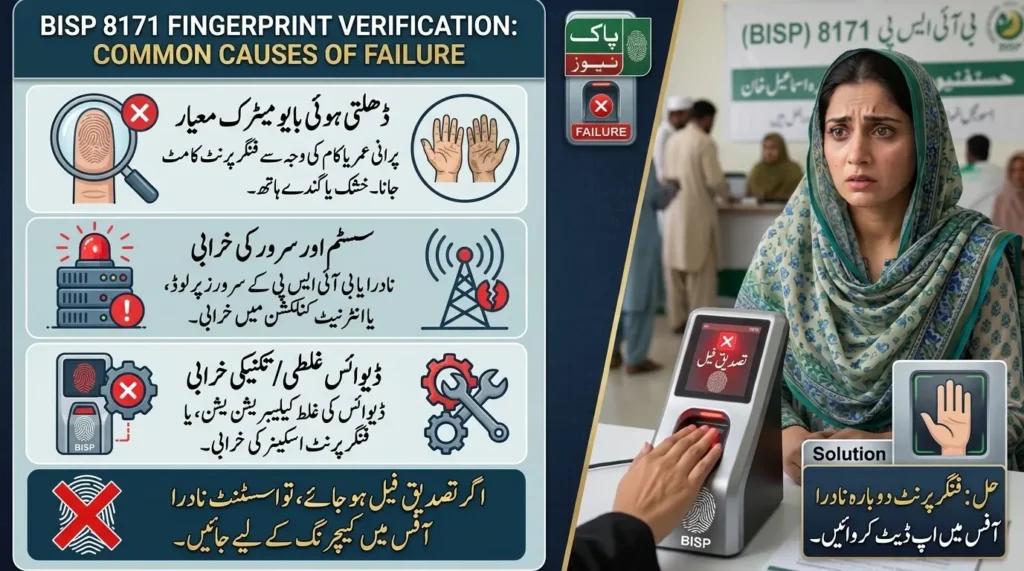
1. Your fingerprint isn’t being recognised
Dry skin, worn ridges, minor injuries or a poor scan can stop the scanner reading your finger. This is common among older beneficiaries and people who do heavy manual work. What to do: clean and dry your hands, then ask the authorised retailer to try again. If repeated attempts fail, stop and move to the steps below.
2. Your CNIC has expired or your details don’t match
An expired CNIC or a mismatch between your details and NADRA’s records can block verification. Check your CNIC’s validity and contact NADRA about renewal or correction. Then ask BISP whether anything else is needed.
3. The biometric machine or network has a problem
A failed scan doesn’t always mean your fingerprints are wrong. The scanner may be dirty, or the NADRA system or network may be down. Dawn reported a case in Charsadda where a disruption in the NADRA verification system left BISP payments suspended at several cash points. If others around you are failing too, the equipment or network is likely at fault, so try another authorised retailer or a different time.
4. Your payment isn’t ready for collection
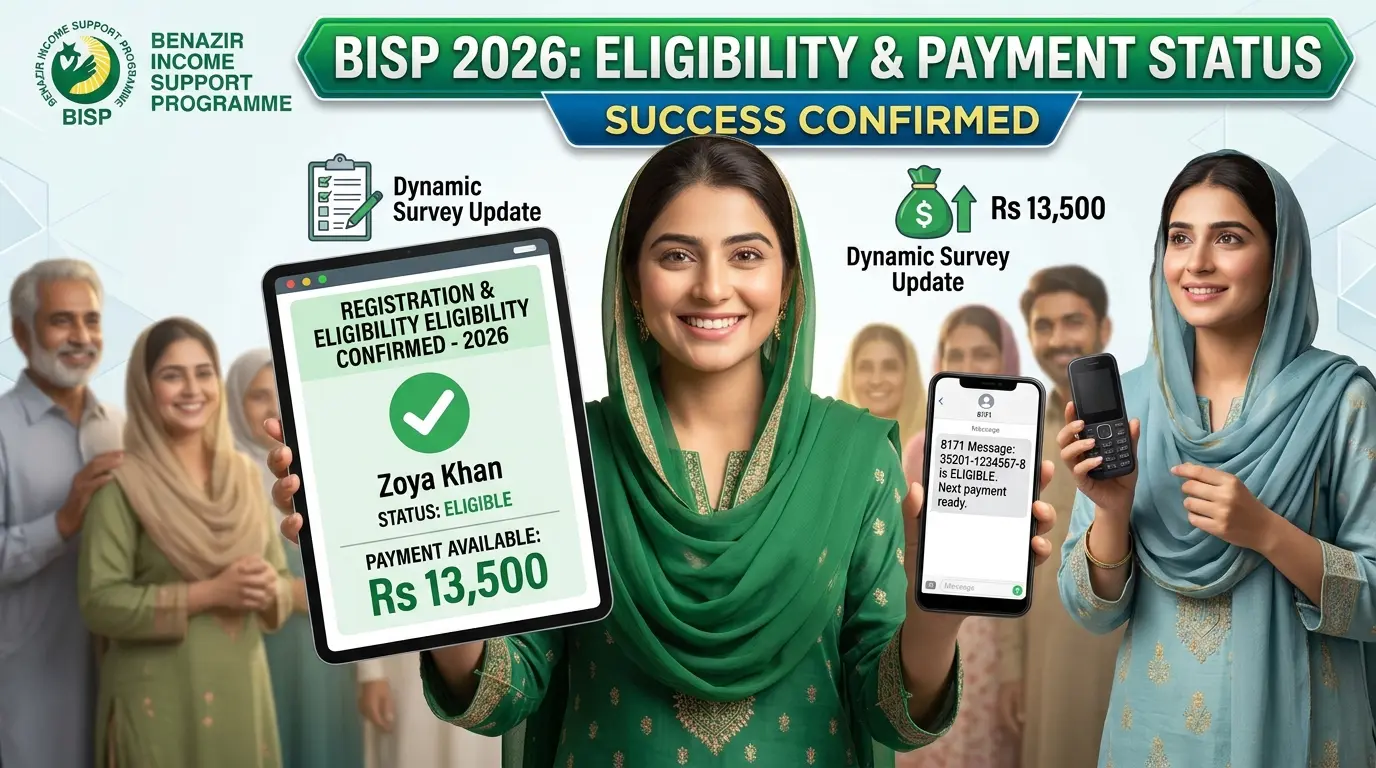
Eligibility and payment status are different things. You can be registered but still waiting for your district’s payment phase. Check your status on 8171 first.
5. Your record needs further verification
BISP may ask you to complete an extra step or update your household survey. Ask the office exactly which document or process is pending. Don’t pay an agent who promises to restore your eligibility.
6. You don’t have a Benazir SIM or active wallet
BISP has said beneficiaries without a registered Benazir SIM won’t receive payments through the wallet system. Make sure your SIM is registered and working, as explained in our BISP payment guides.
How to Fix the BISP 8171 Biometric Verification Problem
Step 1: Check your payment status
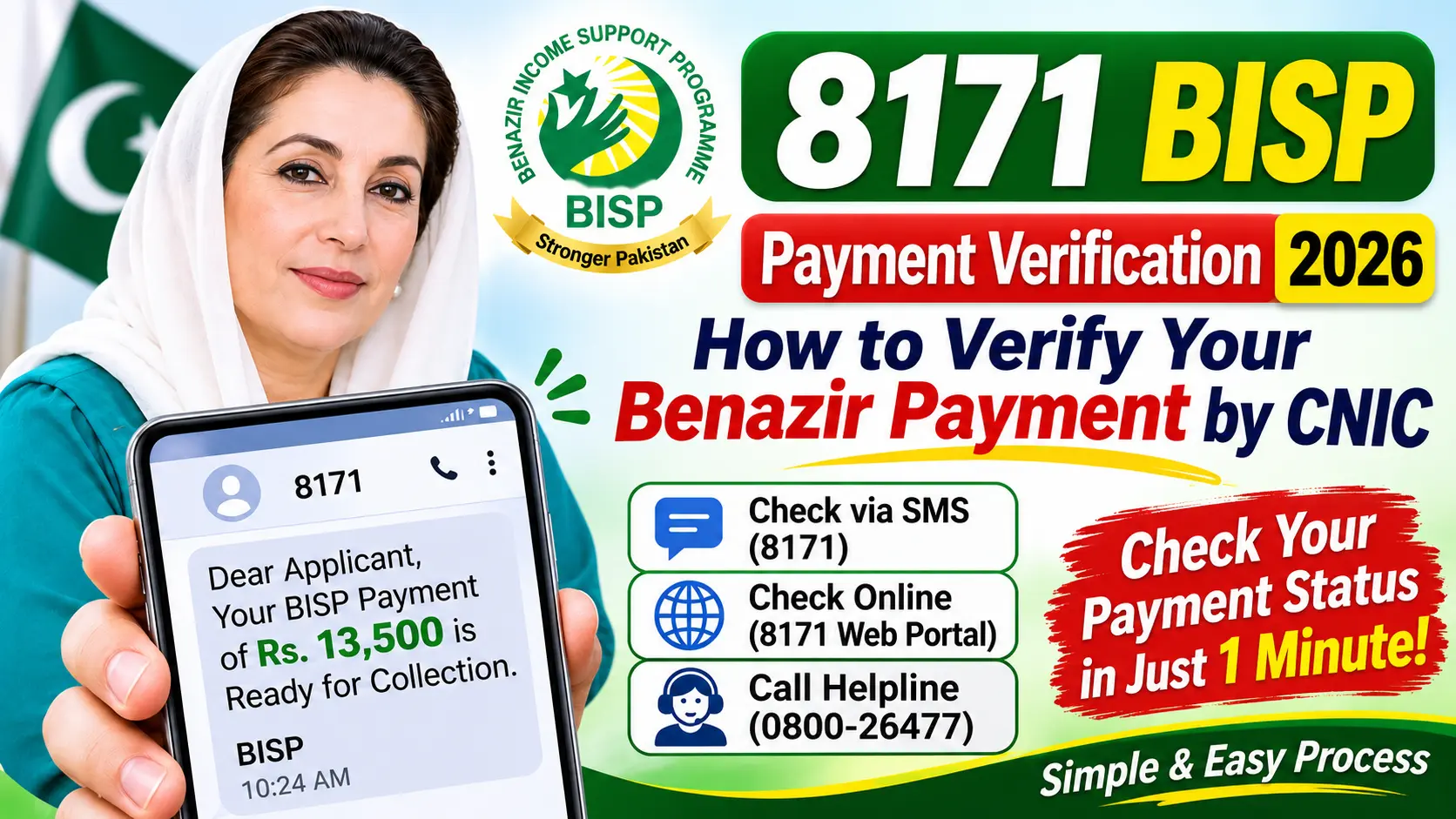
Before you travel, check whether a payment has been issued. Send your 13-digit CNIC (no dashes) to 8171 or use the official 8171 portal. Understand which of these four situations applies to you:
- You are eligible, but no payment is available yet.
- Your payment is issued, but verification fails.
- Your record requires further verification.
- No clear result appears.
Step 2: Ask the retailer why verification failed
Ask the authorised agent to say whether the issue is the fingerprint, the machine, your identity record or payment availability. This saves you from visiting several offices blindly.
Step 3: Try again properly
Clean and dry your hands, place your finger flat on the scanner and follow the agent’s instructions. Ask whether another finger can be tried under the authorised procedure. Don’t press repeatedly if the scanner keeps rejecting it.
Step 4: Get NADRA facial verification
If your thumb can’t be verified, go to a NADRA office with your original CNIC and ask for facial verification for BISP. CW Pakistan reported that the certificate can be obtained for a fee of Rs 20. Confirm the current fee with NADRA, because fees can change. Then submit the certificate at your BISP office.
NADRA has also widened its options for people with unreadable fingerprints. ARY News reported in September 2026 that the authority has introduced an alternative verification facility for people whose fingerprints are faint or hard to read. Ask NADRA which option applies to you.
Step 5: Visit your BISP Tehsil Office
Take your original CNIC, your NADRA facial verification certificate (if you have one) and any payment message or receipt. Explain the problem clearly, and ask the staff to check your record and tell you the next step. If fingerprints can’t be taken because of age or disability, ask specifically about the approved alternative.
Step 6: Complain if it isn’t resolved
Ask how to lodge a formal complaint and get a reference number. You can also call the helpline, 0800-26477, which BISP lists for assistance. Confirm the number on the BISP website. Keep a note of the date of each visit and what you were told.
BISP 8171 Biometric Problems and Their Solutions
| Problem | Possible reason | What to do |
|---|---|---|
| Thumb not recognised | Faint or worn fingerprint, poor scan | Clean and dry your hands, try again, then get NADRA facial verification |
| Fingerprints fail repeatedly | Biometric record issue | Visit NADRA and ask about facial or alternative verification |
| Payment not available | Not yet released for your district | Check status on 8171 and wait for the phase |
| CNIC expired | Identity document needs renewal | Contact NADRA about renewal |
| Machine rejects everyone | Equipment or network problem | Try another authorised retailer or time |
| Payment stays blocked | Record under review | Contact your BISP Tehsil Office |
| Fingerprints can’t be taken (disability, age) | Standard verification isn’t possible | Ask BISP and NADRA about facial or alternative verification |
| Less money than expected | Possible deduction | Keep your receipt and SMS, and report it |
| No Benazir SIM | Wallet system needs a registered SIM | Collect and activate your SIM at a BISP office |
Can You Receive BISP Payment If Your Fingerprints Do Not Work?
Yes, in most cases, once you complete the alternative verification. A failed fingerprint doesn’t end your eligibility. The recommended route is facial verification through NADRA, then submission of the certificate at your BISP office. The exact procedure depends on your circumstances, so confirm it with BISP before you spend time and money travelling.
- Confirm that your payment is available.
- Ask the retailer to identify the failure.
- Visit NADRA for facial verification if your thumb isn’t recognised.
- Submit your certificate at your BISP Tehsil Office.
- Ask whether any other alternative applies to you.
How to Check BISP 8171 Payment Status in 2026
- SMS: send your CNIC to 8171 and follow the reply. Use only the official 8171 number.
- Portal: use the official 8171 portal, and avoid sites that ask for passwords, bank details or fees.
- BISP office: visit your Tehsil Office with your original CNIC and any payment messages.
Once your payment arrives, plan it with our free Monthly Salary Budget Planner.
Important Safety Tips for BISP Beneficiaries
- Never pay for BISP registration, surveys or verification. They are free.
- Trust only official messages from 8171.
- Never share your PIN, OTP or password.
- Don’t hand over your phone or CNIC to an agent.
- Don’t pay anyone who guarantees your eligibility or a “biometric override”.
- Check deductions at once. Keep your receipt and both SMS messages, and report any shortfall.
- Ask for proof of payment whenever one is available.
NADRA’s facial verification certificate is the official route, so be suspicious of anyone who offers a quicker or “special” way in exchange for money.
More Government Scheme Guides
- All Government Schemes on New Pakistan Jobs
- Government Jobs in Pakistan Today
- BOP E-Bike Status 2026
- Free Online Tools
Frequently Asked Questions
Why is my BISP 8171 biometric verification failing?
Your fingerprint may be faint or worn, the machine or network may have a problem, your CNIC details may need attention, or your payment may not be ready. Ask the retailer to identify the cause.
Does a failed fingerprint scan mean my BISP eligibility has ended?
No. Check your status and ask your BISP Tehsil Office what to do.
Should I visit NADRA if my thumb isn’t recognised?
Yes. BISP’s Chairperson advised beneficiaries with thumb-verification problems to visit NADRA for facial verification and then submit the certificate at a BISP office.
How much does the NADRA facial verification certificate cost?
CW Pakistan reported a fee of Rs 20. Confirm the current fee with NADRA.
How long until a NADRA update shows in the BISP system?
It varies. Ask NADRA and BISP for the expected time, and don’t trust any fixed number of days from an unofficial source.
Can I collect my payment without fingerprint verification?
Yes, through the alternative facial verification route, subject to BISP’s procedure. Confirm with your BISP office first.
My payment is approved but I can’t withdraw it. What should I do?
Ask the retailer whether the problem is verification or availability. If it isn’t resolved, contact BISP.
Is there a fee for BISP payment collection?
You shouldn’t pay anyone to release your money. NADRA charges a fee for its own services, so ask for the official fee, and report anyone demanding unofficial payments.
What is the BISP complaint number?
0800-26477 is the helpline commonly listed by BISP. Confirm it on the official website.
Final Words
A BISP biometric verification problem is frustrating, but it doesn’t end your payment. Check your status, ask the retailer what went wrong, get NADRA facial verification if your thumb isn’t recognised and submit the certificate at your BISP office. If the problem continues, lodge a complaint, keep your records and never pay anyone who promises a quick fix.
Disclaimer: New Pakistan Jobs is an independent information website and is not the official BISP or NADRA website. Procedures, fees and helpline numbers can change, so confirm them with BISP and NADRA before you act. This article is general guidance, not an official notice.


1 thought on “BISP 8171 Biometric Verification Problem: How to Get Your Payment”